Using ToolHive
Introduction
The ToolHive UI is a desktop application that makes it easy to run and manage Model Context Protocol (MCP) servers on your local machine. It provides a user-friendly interface to discover, deploy, and manage MCP servers with security and ease of use built in.
It's designed for anyone who wants to run MCP servers without needing to understand the complexities of Docker or command-line tools. Whether you're a developer, researcher, or just curious about MCP servers, ToolHive provides a simple way to get started.
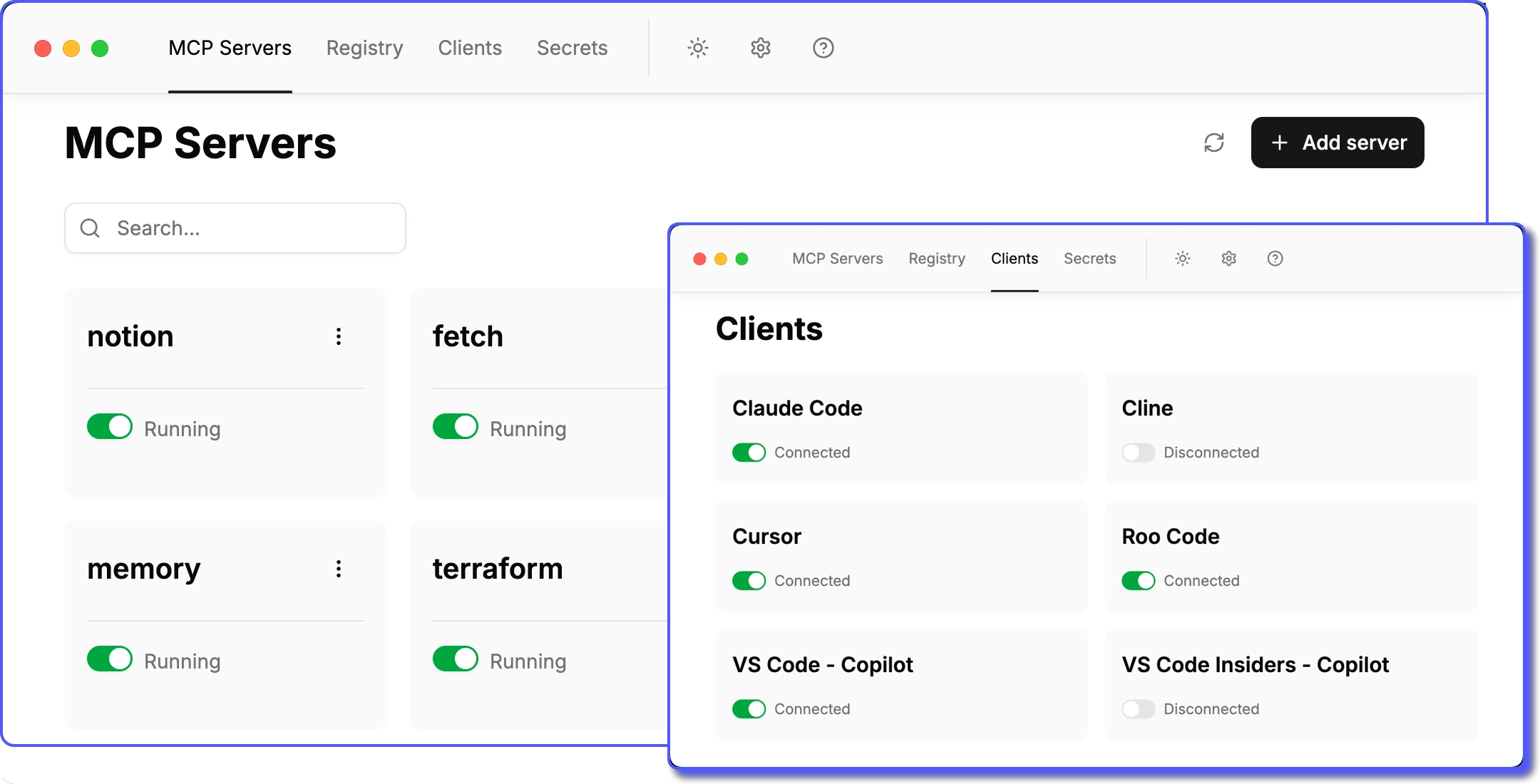
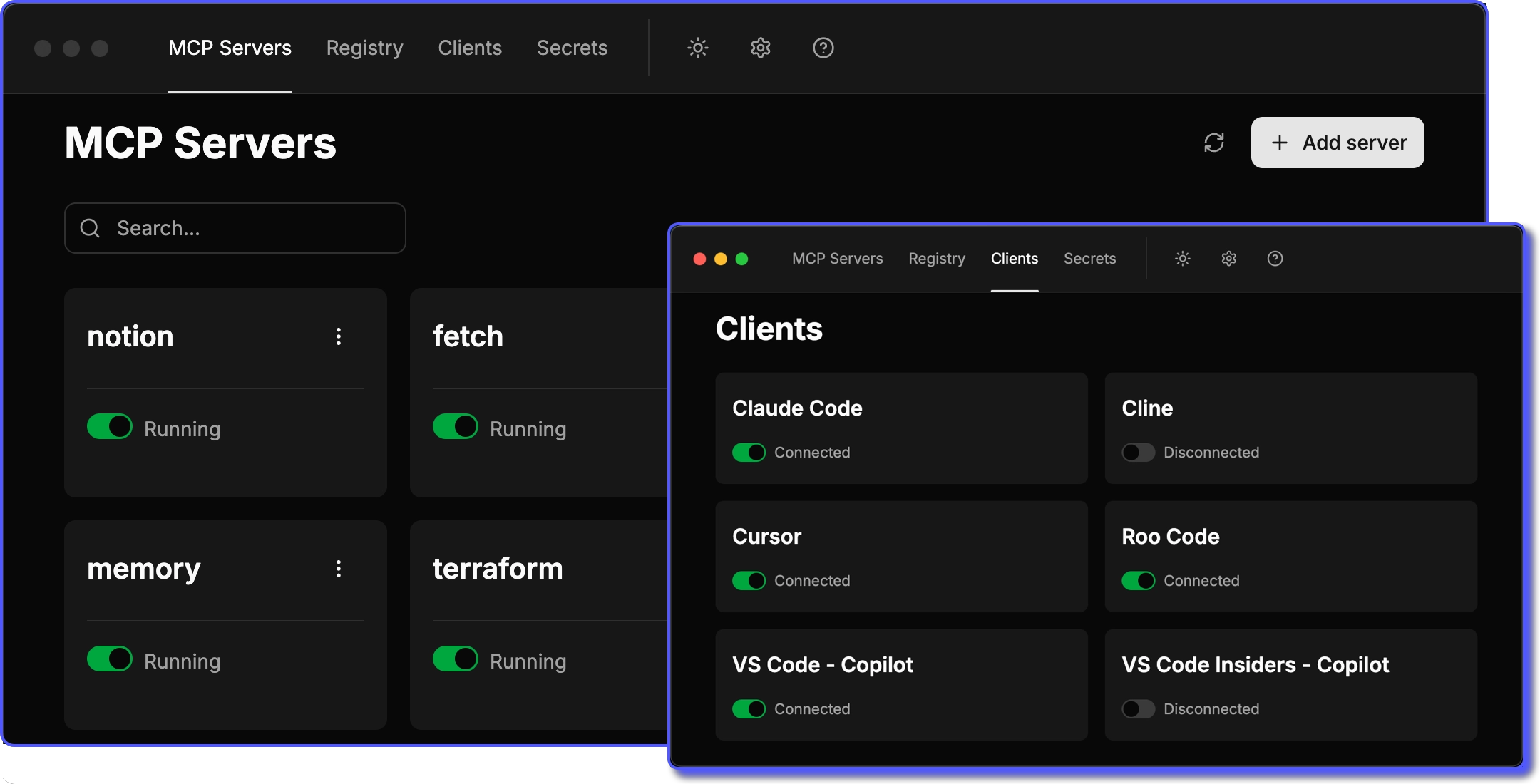
We strive to make ToolHive intuitive and easy to use. If we've missed the mark on something, let us know!
ToolHive UI includes and manages the CLI automatically for terminal access and advanced features. See Access the CLI from ToolHive UI for details.
Where to start
- New to ToolHive? Follow the Quickstart to install the app and run your first MCP server in minutes.
- Already installed? Jump straight to Run MCP servers to discover and launch servers from the registry.
- Want to connect your AI client? See Client configuration to point Claude, Cursor, or another client at your running servers.
Contents
📄️ Quickstart
A step-by-step guide to installing the ToolHive desktop application and running your first MCP server.
📄️ Install ToolHive
How to install the ToolHive UI application.
📄️ Explore the registry
How to use the built-in or custom registry to find MCP servers.
🗃️ Run MCP servers
How to install and run MCP servers in the ToolHive UI
📄️ Client configuration
How to connect ToolHive to AI clients using the UI.
📄️ Access the CLI from ToolHive UI
How to use the ToolHive CLI when using the ToolHive UI application for advanced features and terminal-based workflows.
📄️ Optimize MCP tool usage
Enable the MCP Optimizer to enhance tool selection and reduce token usage.
📄️ Test MCP servers
Use the playground feature to test and validate MCP servers directly in the ToolHive UI with AI model providers.